
The app
Editor, grid, sidebar.
Nothing you don't need.
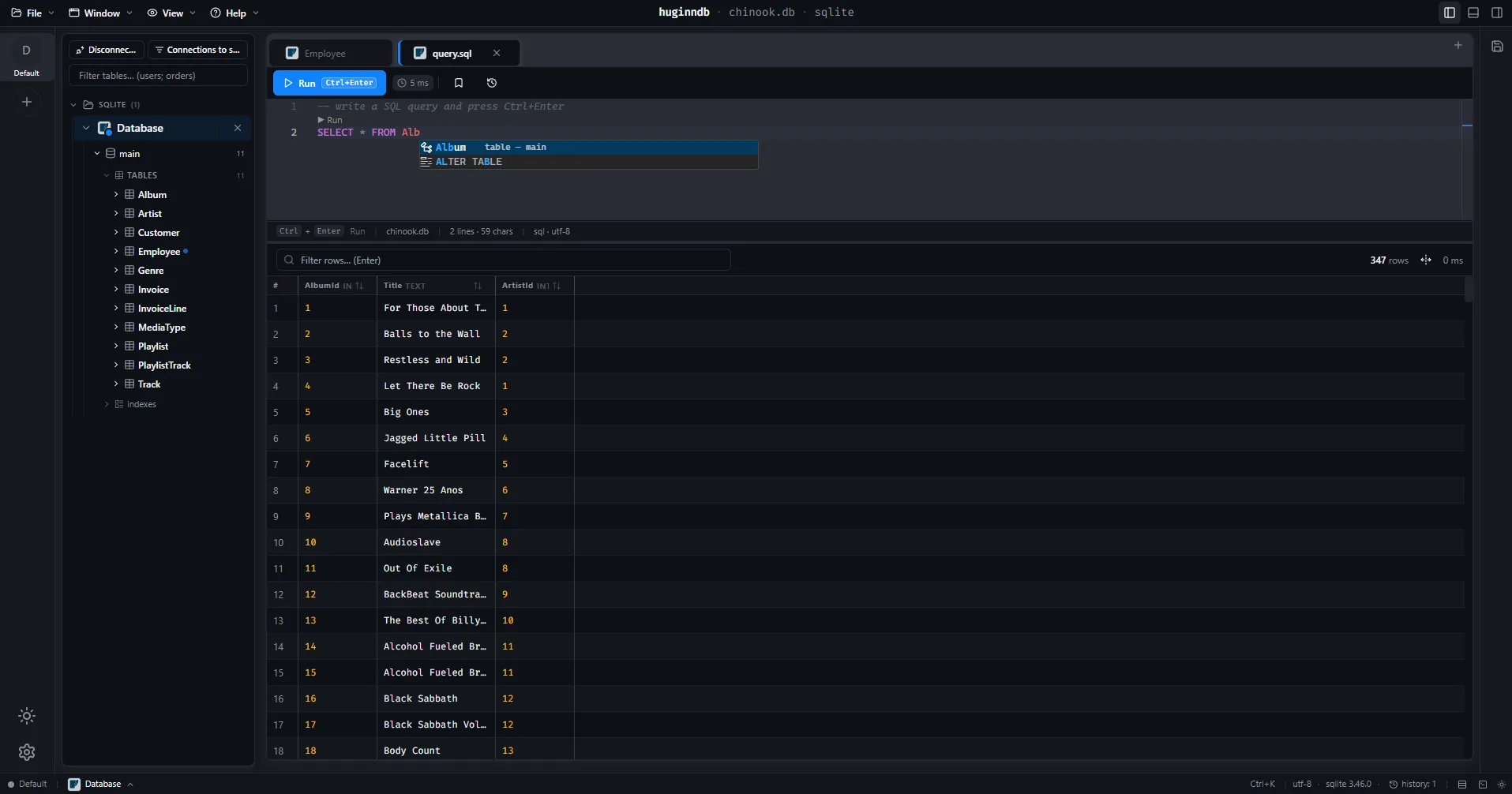
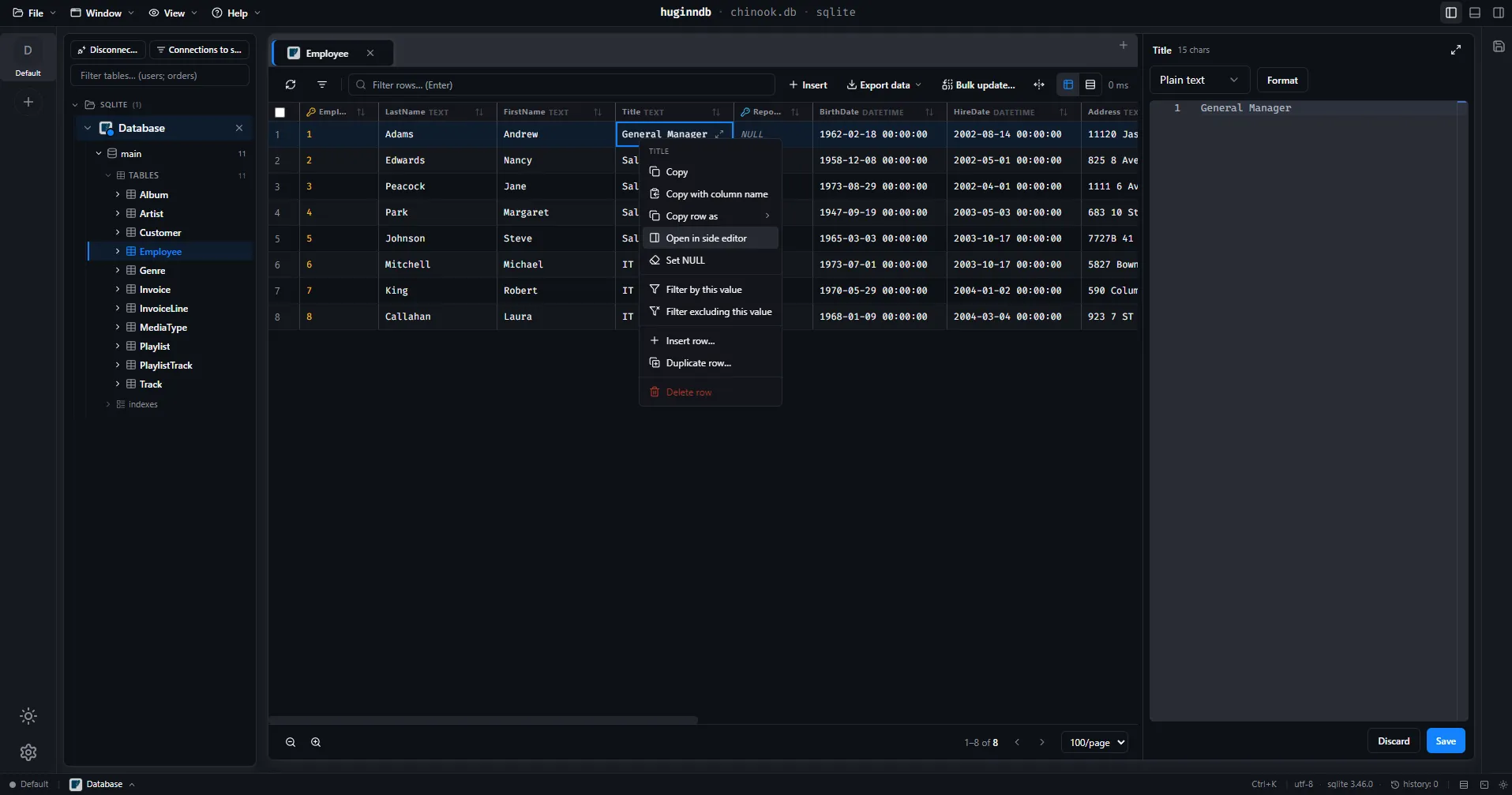
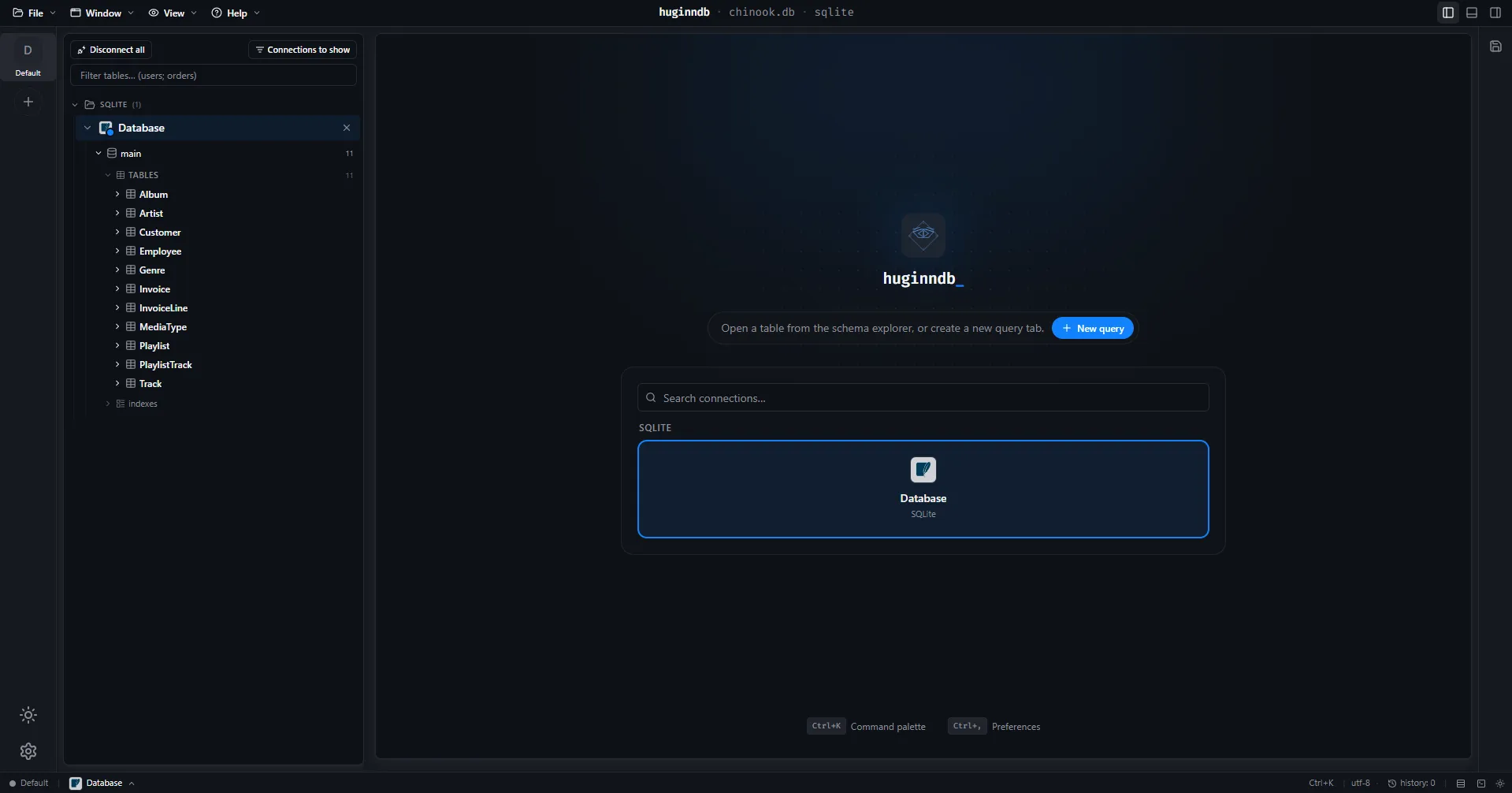
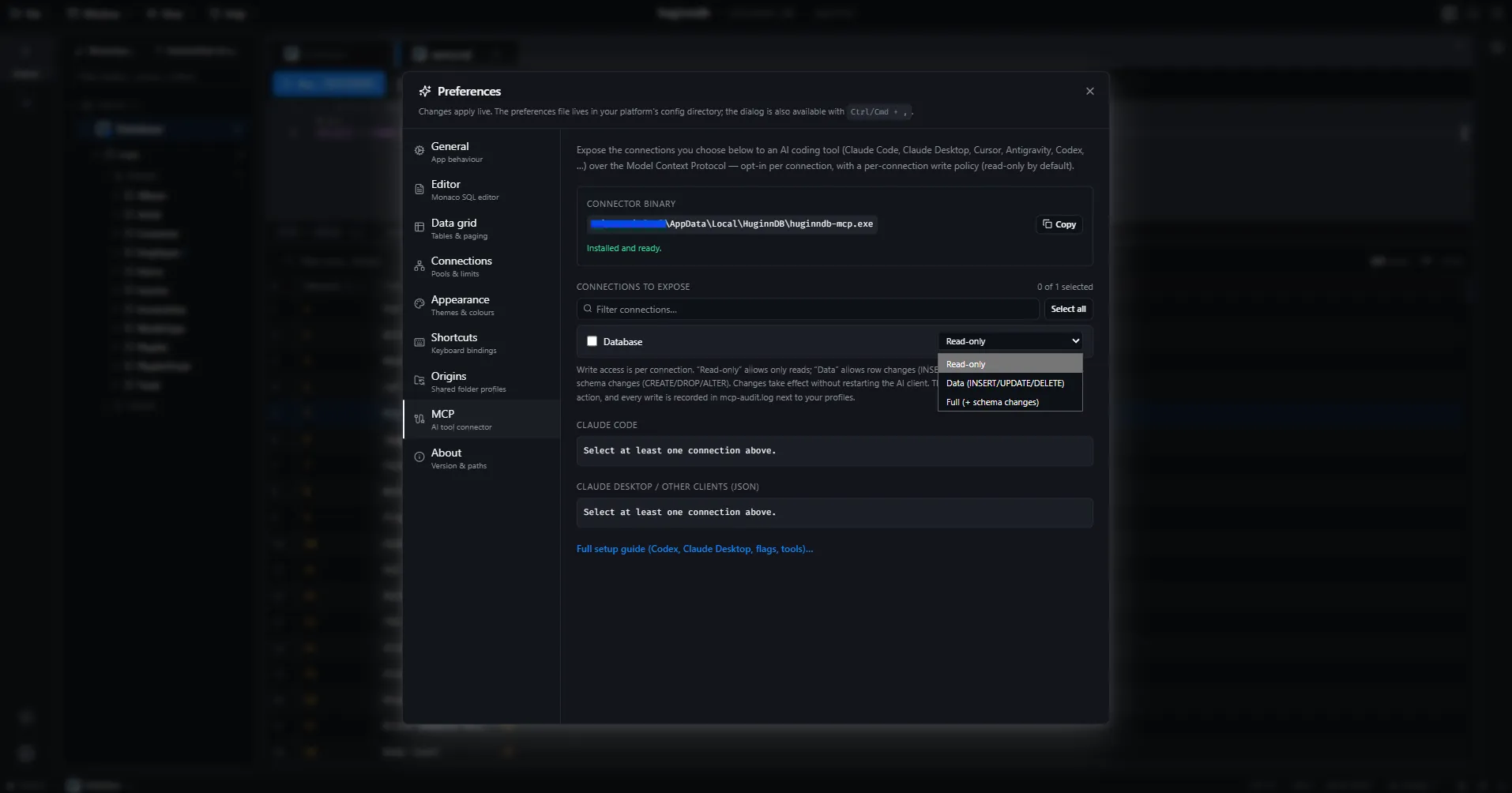
One window per connection: the schema tree on the left, Monaco in the middle, results underneath. Both splits are draggable and the arrangement comes back after a restart. Every image below is a capture of the shipped app.
Multi-window when you want it
Pop a connection's whole workspace — or a single query tab — out into its own OS window. Saved queries keep a local library with names, descriptions and tags.
Shortcuts
- Ctrl+Enter
- Run the current query
- Double-click
- Expand the focused cell
- F11
- Fullscreen the cell editor
- Esc
- Exit fullscreen or close the editor