HuginnDB

Inside HuginnDB

The actual app, not a mockup.

Four screenshots straight out of a running build on Windows, against the Chinook sample database on SQLite. Nothing here is a rendering of what the app might look like.

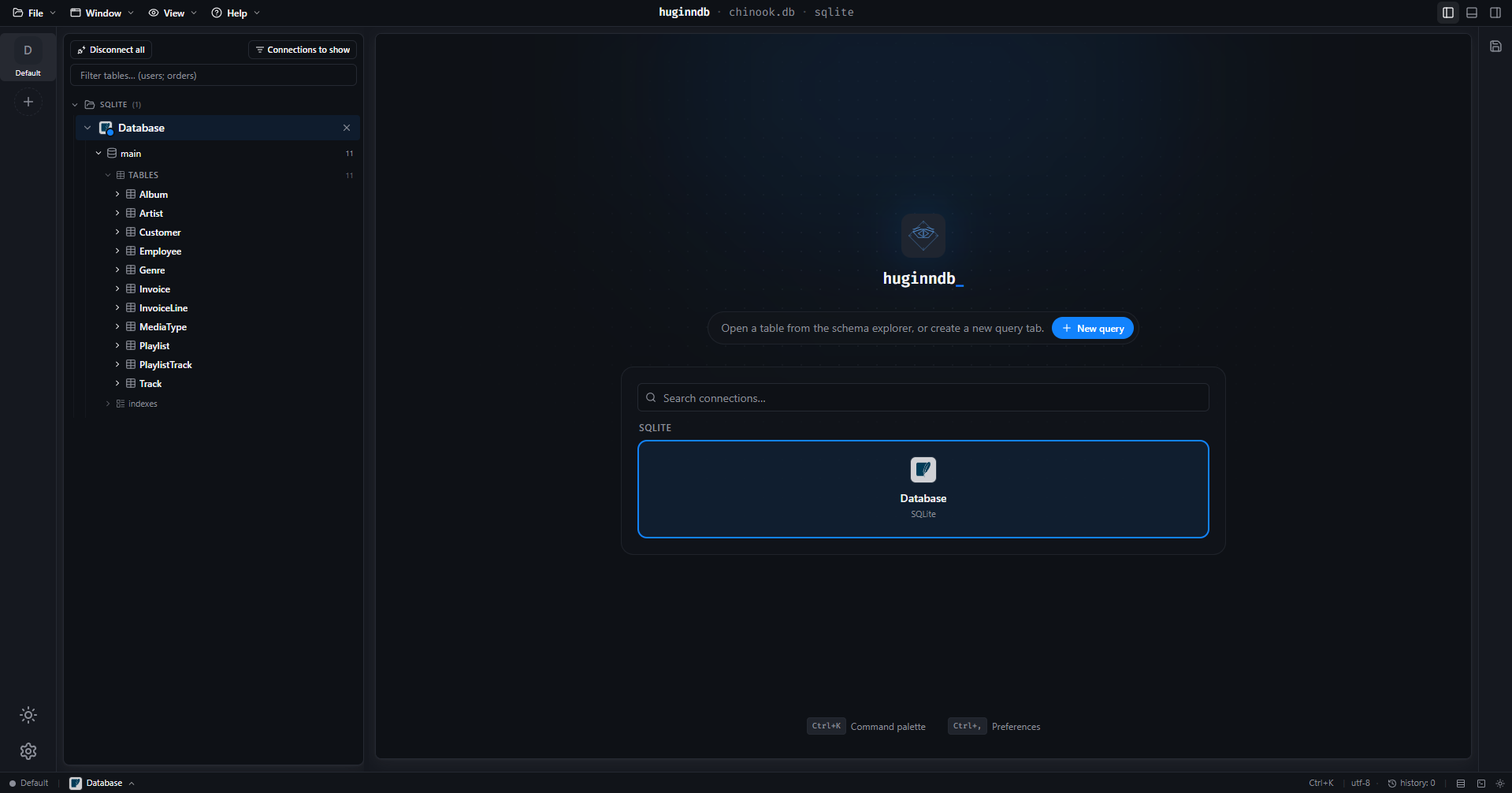
The window

One workspace per connection. The schema tree on the left — databases → tables → columns with type badges and primary-key markers — and the connection picker in the middle until you open something. The environment rail on the far left keeps separate sets of connections apart.

  • Ctrl+K opens the command palette
  • the status bar carries the live connection
  • environments keep prod and local separate
huginndb·chinook.db·sqlite

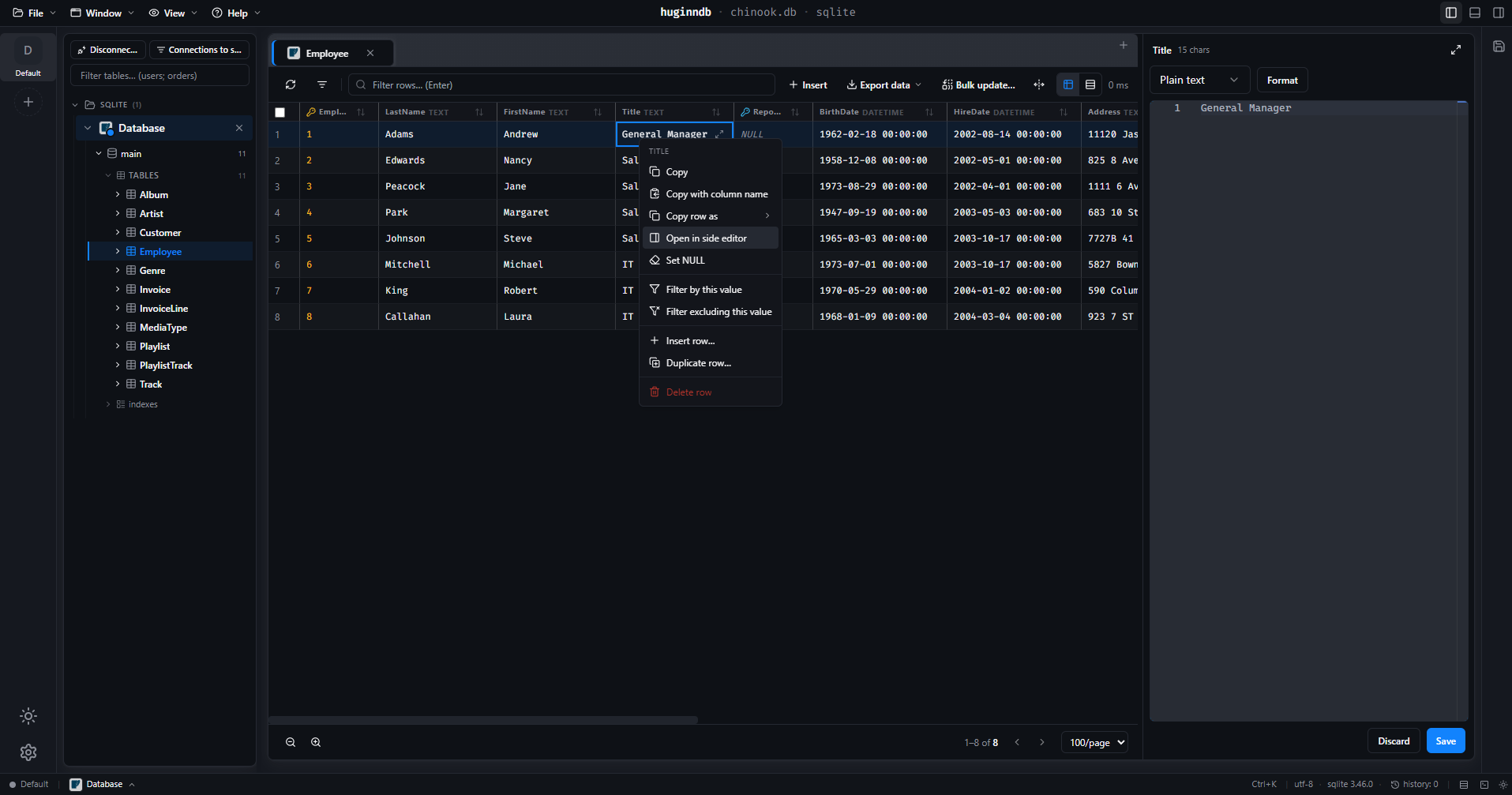
Every cell opens into an editor

Double-click a cell — or pick “Open in side editor” — and it opens in a Monaco pane beside the grid, with the value's format detected for you. Format, validate, F11 to go fullscreen, then Save or Discard. The row menu carries the rest: copy with column name, filter by this value, duplicate row.

  • Plain text · JSON · XML · SQL, auto-detected
  • live validation before you save
  • F11 for fullscreen, Esc to come back
huginndb·chinook.db·sqlite

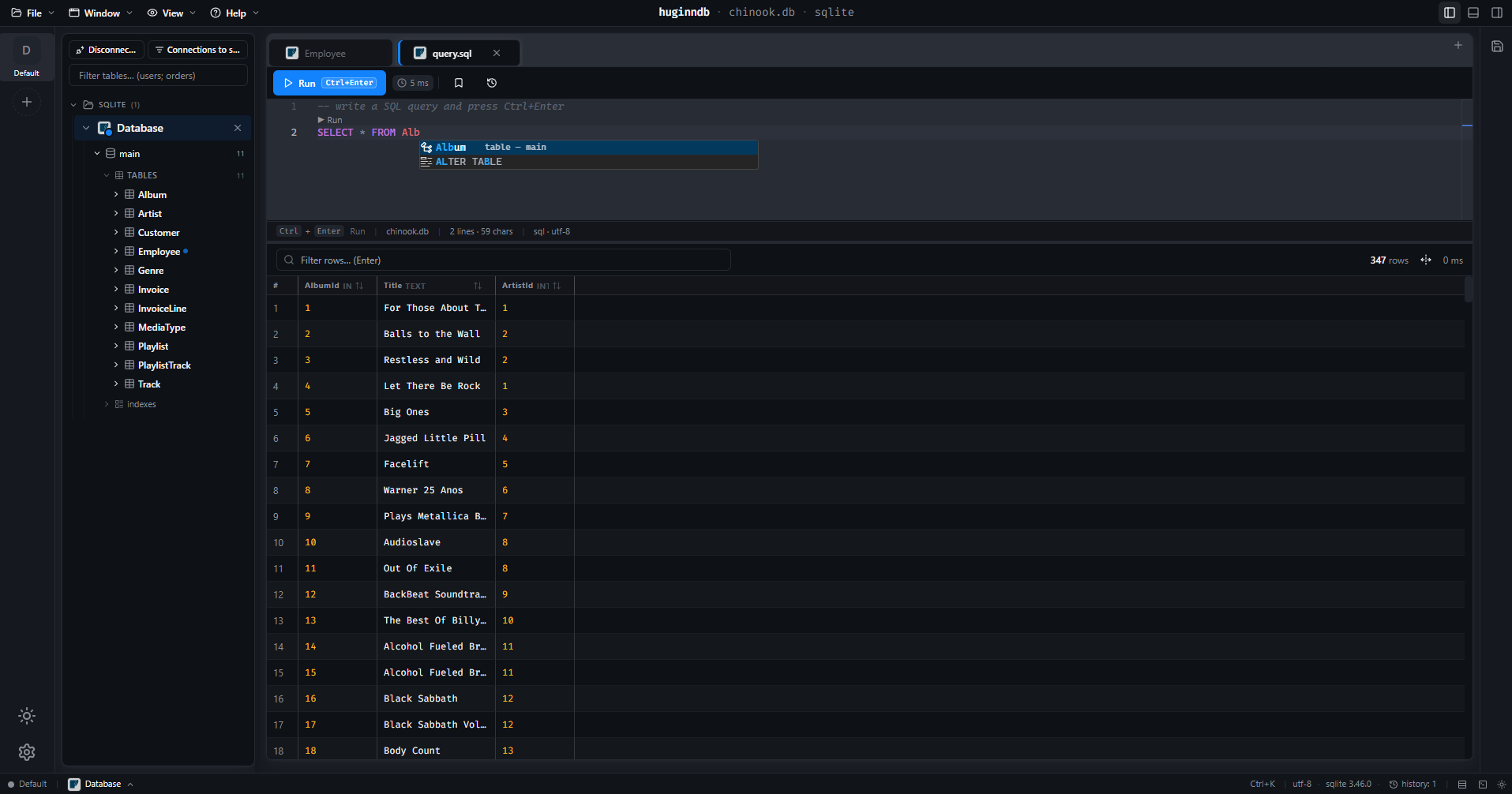
The SQL workspace

The same editor, full width, with the schema loaded into autocomplete. Ctrl+Enter runs the statement under the cursor, a Run CodeLens sits above each one, and the results land in a grid underneath with the row count and the timing.

  • schema-aware autocomplete — tables, columns, keywords
  • per-statement Run, not just run-the-whole-buffer
  • history per connection, kept across restarts
huginndb·chinook.db·sqlite

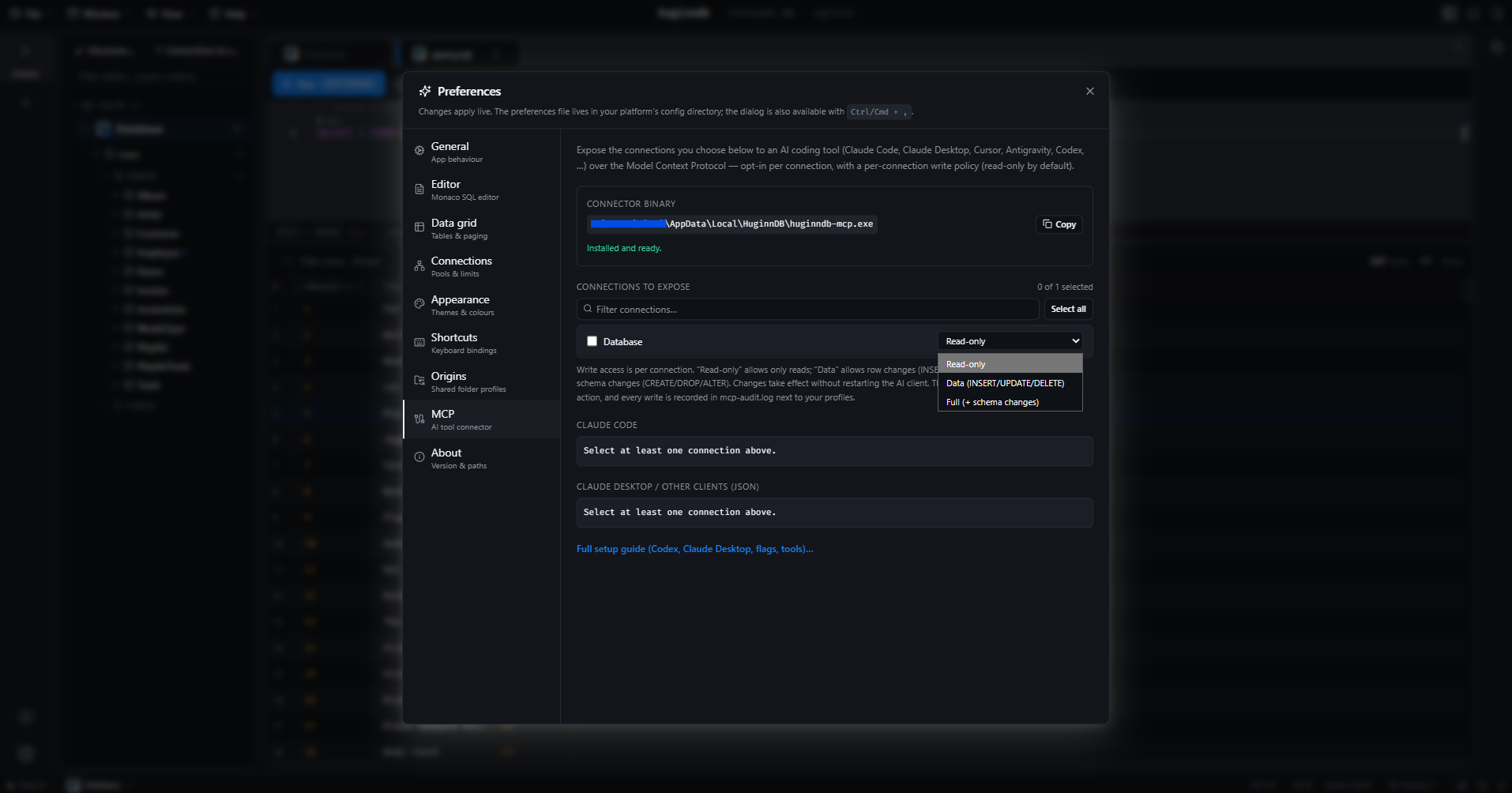
Preferences → MCP

The app resolves the connector binary, then generates the config for whichever AI client you use. Pick the connections to expose, set each one's write policy, copy the snippet. Nothing is exposed until you tick it.

  • read-only is the default, per connection
  • the binary path is resolved for you
  • every write attempt is recorded in mcp-audit.log
huginndb·chinook.db·sqlite

Try it against your own database.

Windows and Linux x86_64 builds ship with every release.

connected huginndb/preview stable MIT en utf-8